Timesheets that assemble themselves
Payroll-ready timesheets, built from real punches.
Worked hours, breaks and overtime roll up automatically per period, with flags for anything that needs a human. Then export a clean CSV.
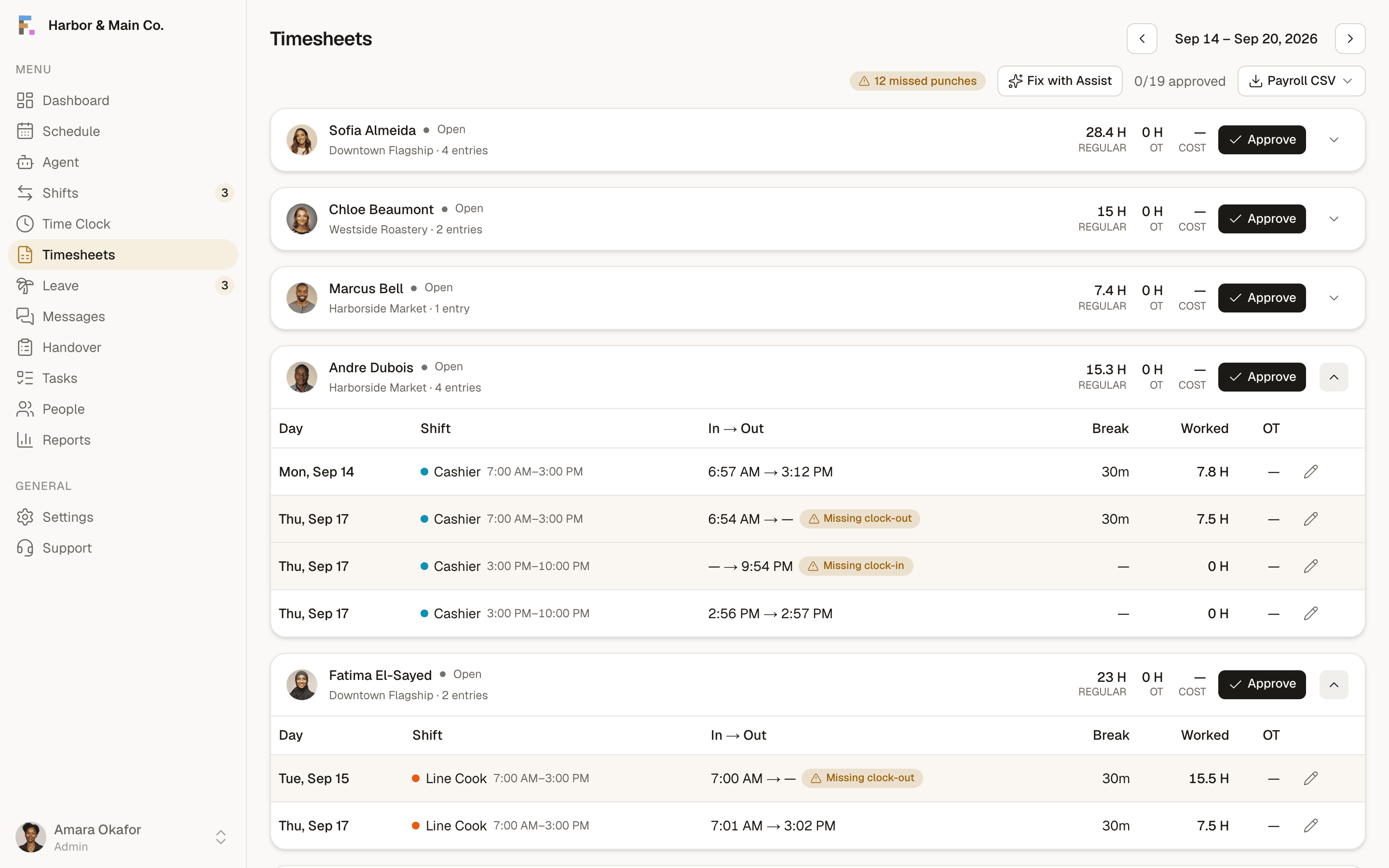
Automatic roll-up
Regular, overtime, and break minutes total per employee per period from the actual clock events.
- Hours past your weekly OT threshold are highlighted the moment they happen, not at period close.
Exception-first review
Payroll CSV export
Every publish is checked against your region's rule pack, with the statute cited on every rule.
Timesheets & payroll, answered.
Does this integrate with my payroll provider?+
How is overtime calculated?+
Can managers edit entries?+
The terms behind this feature.
Plain definitions for the words that show up when you run shifts, each one written to answer the question on its own.
- Overtime ThresholdThe number of hours worked in a defined period, usually a week, beyond which each additional hour must be paid at a premium rate.
- Pay PeriodThe recurring window of time that one payroll run covers, such as a week, a fortnight, or twice a month.
- Shift DifferentialExtra pay applied to shifts worked at less desirable times, such as nights, weekends or public holidays.
Written up, from the floor.
How operators actually handle this, what it costs when it goes wrong, and where the trade-offs really sit.
More of the platform
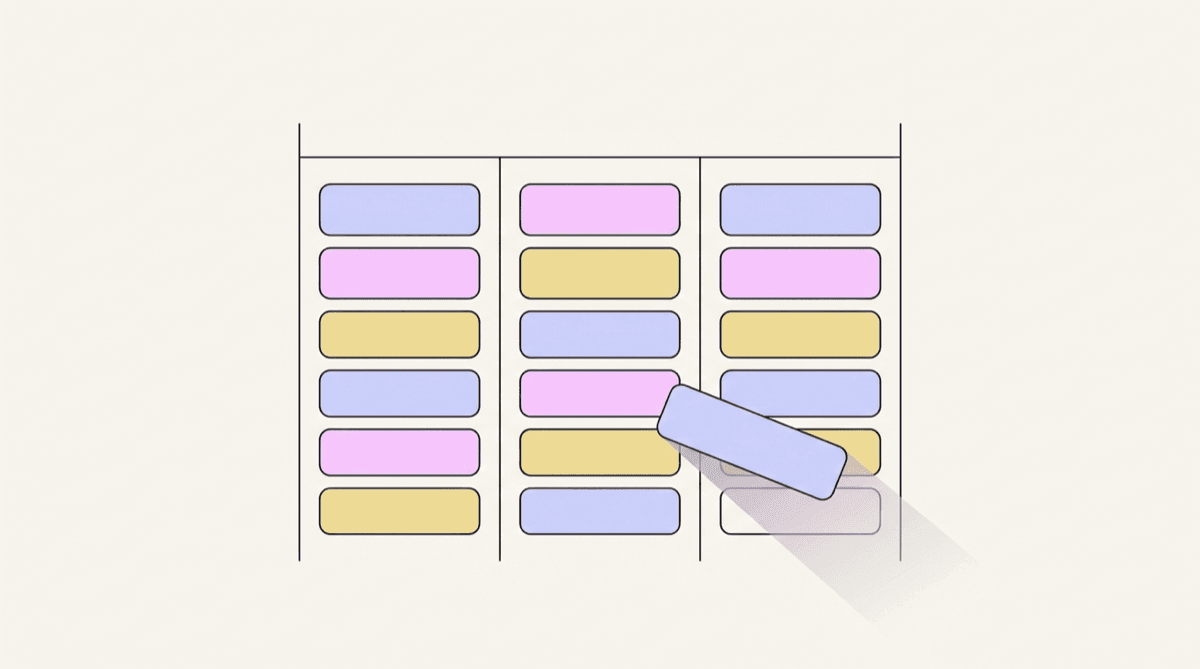
Scheduling
A drag-and-drop week grid where every position has its own colour, coverage gaps are visible, and templates seed the whole thing from your industry.
Explore scheduling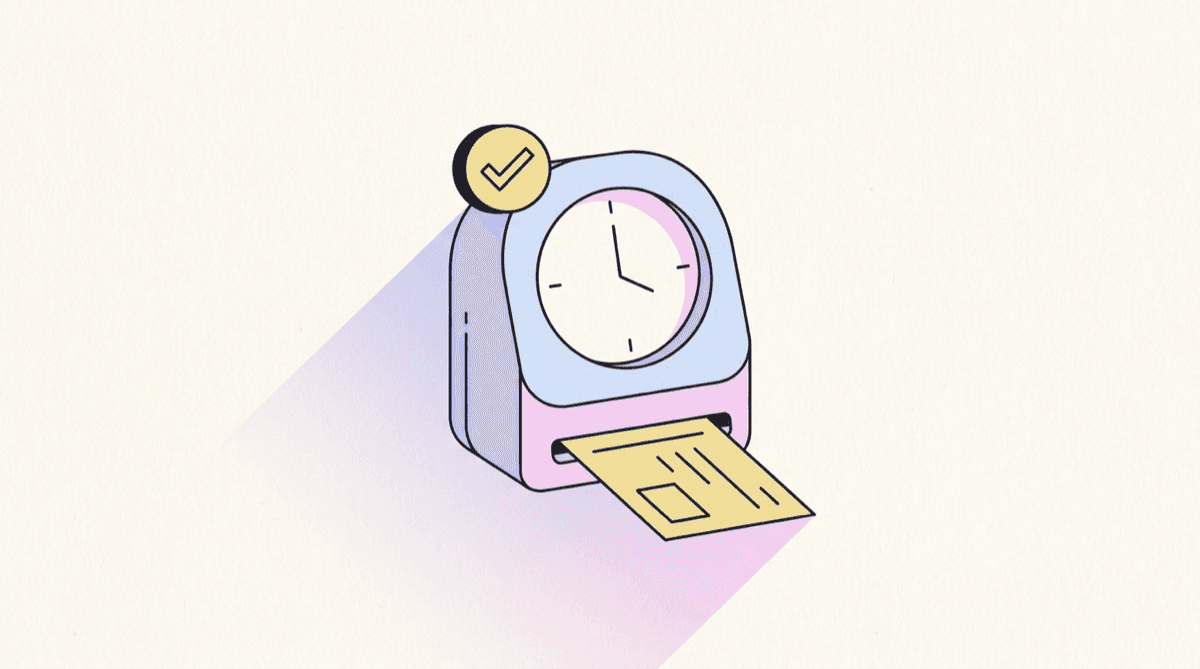
Time clock
Kiosk PIN clock-in with an optional verification photo, a live on-the-clock board and break tracking, so hours are real rather than remembered.
Explore time clock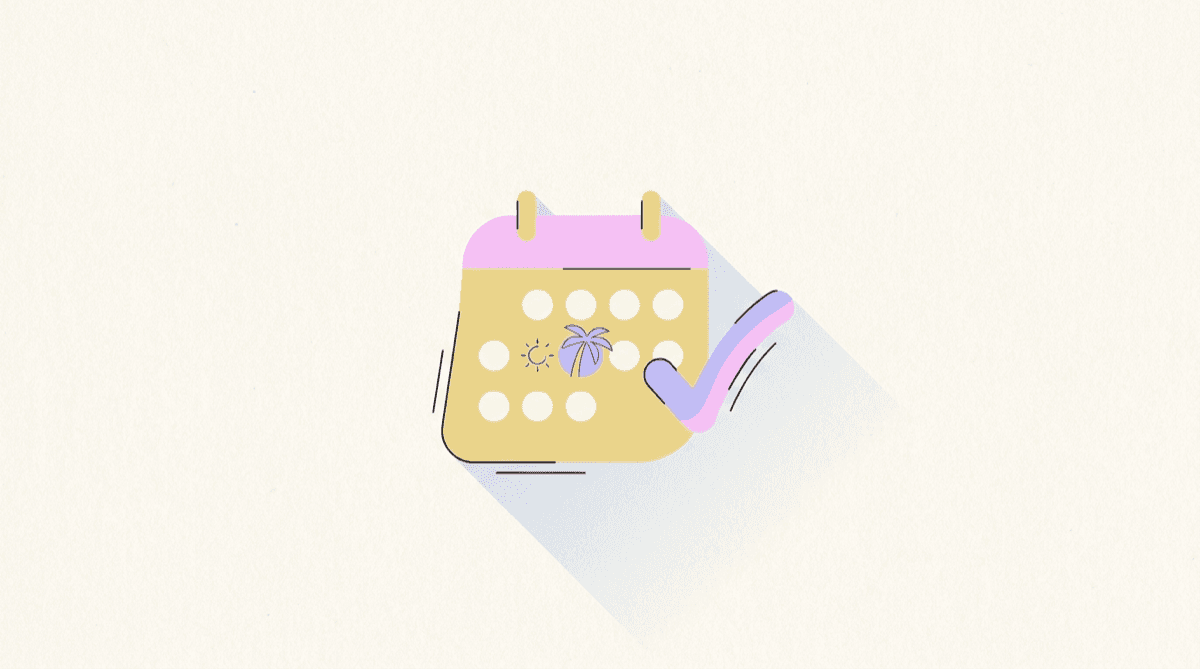
Leave & availability
Balances, requests and a who's-away month calendar, so approving leave never means accidentally leaving a shift uncovered.
Explore leave & availabilitySee it with your own schedule
Set up a workspace, add your team, and build a week. It takes about ten minutes and costs nothing.
Start free