Time off without the back-and-forth
Time off that respects coverage.
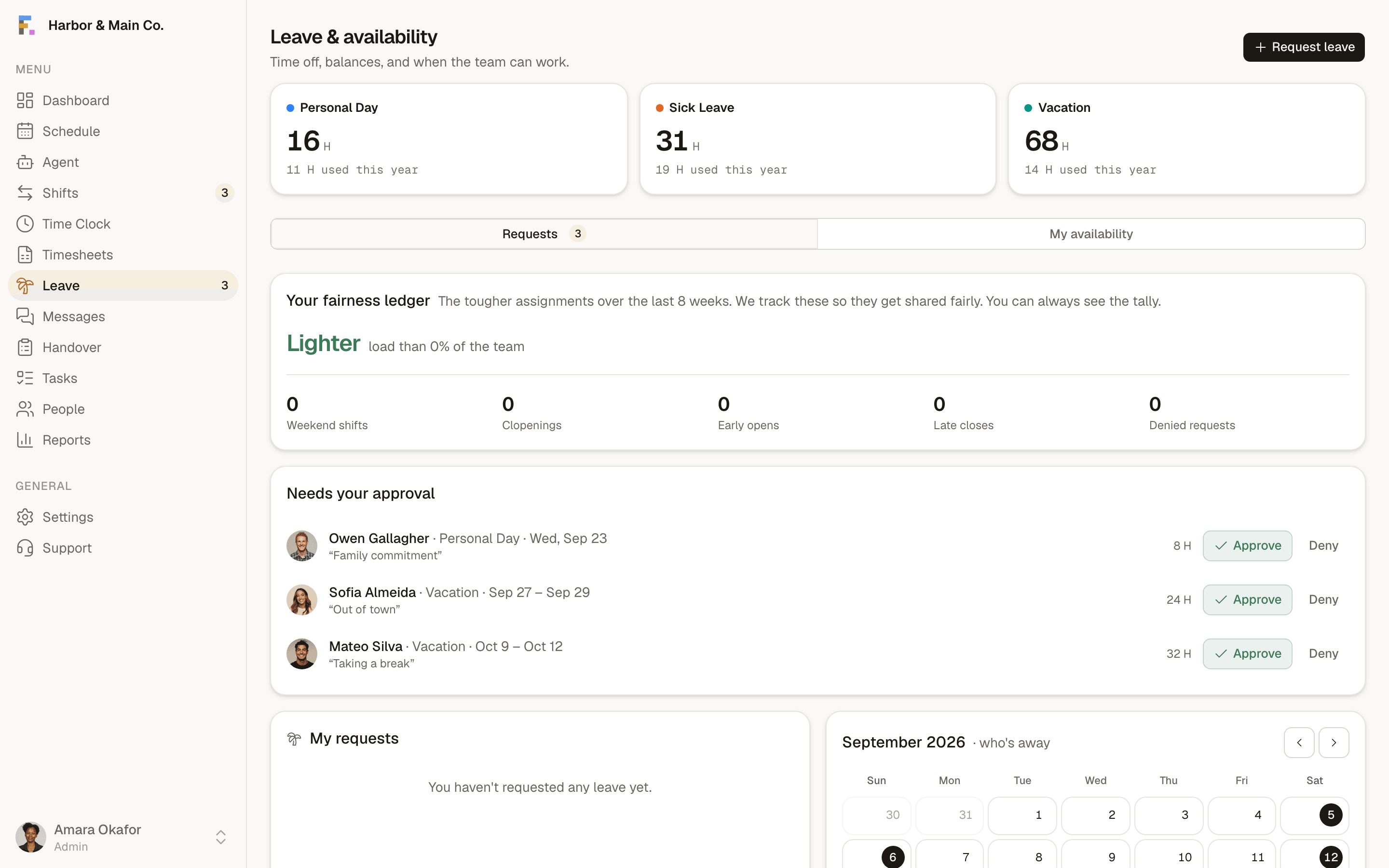
Balances, requests and a who's-away month calendar, so approving leave never means accidentally leaving a shift uncovered.
Balances that accrue
Paid time-off accrues automatically per your policy, with year-to-date usage always visible.
- A month view of approved leave across the team, so overlaps are obvious before you approve.
Availability rules
One-tap decisions
Leave & availability, answered.
Does leave affect scheduling?+
Can I set different leave types?+
How do employees request time off?+
The terms behind this feature.
Plain definitions for the words that show up when you run shifts, each one written to answer the question on its own.
More of the platform
Scheduling
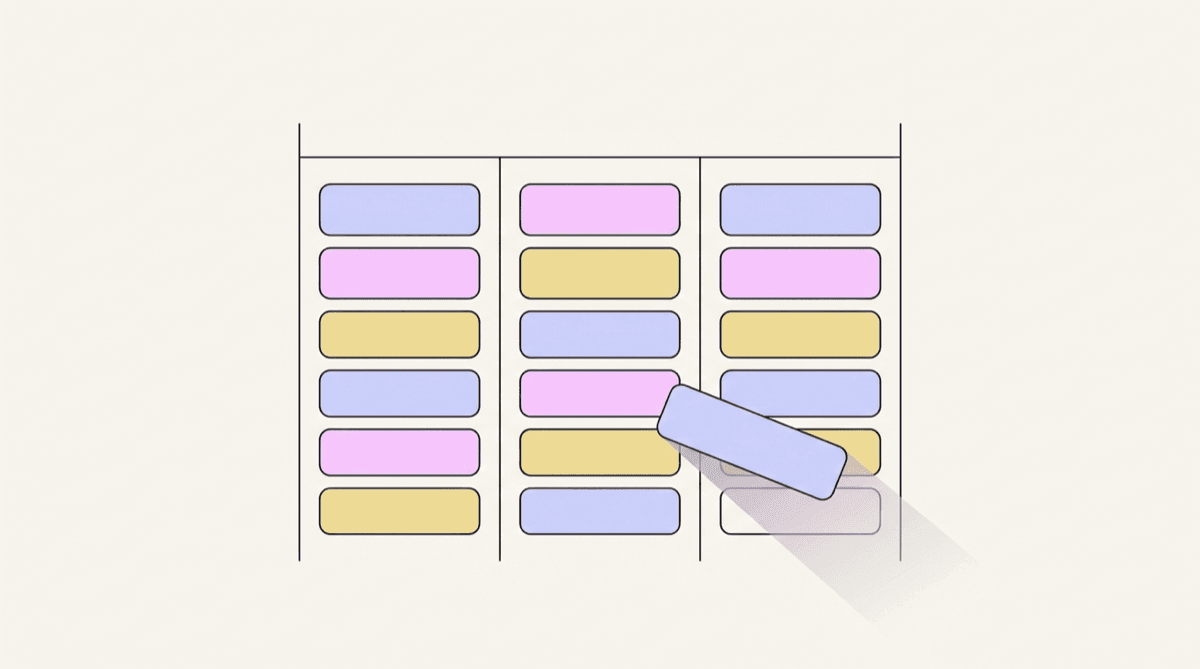
A drag-and-drop week grid where every position has its own colour, coverage gaps are visible, and templates seed the whole thing from your industry.
Explore scheduling
Time clock
Kiosk PIN clock-in with an optional verification photo, a live on-the-clock board and break tracking, so hours are real rather than remembered.
Explore time clock
Timesheets & payroll
Worked hours, breaks and overtime roll up automatically per period, with flags for anything that needs a human. Then export a clean CSV.
Explore timesheets & payrollSee it with your own schedule
Set up a workspace, add your team, and build a week. It takes about ten minutes and costs nothing.
Start free