From Spreadsheet to Self-Running in an Afternoon
Formclock Team · March 22, 2026 · 3 min read
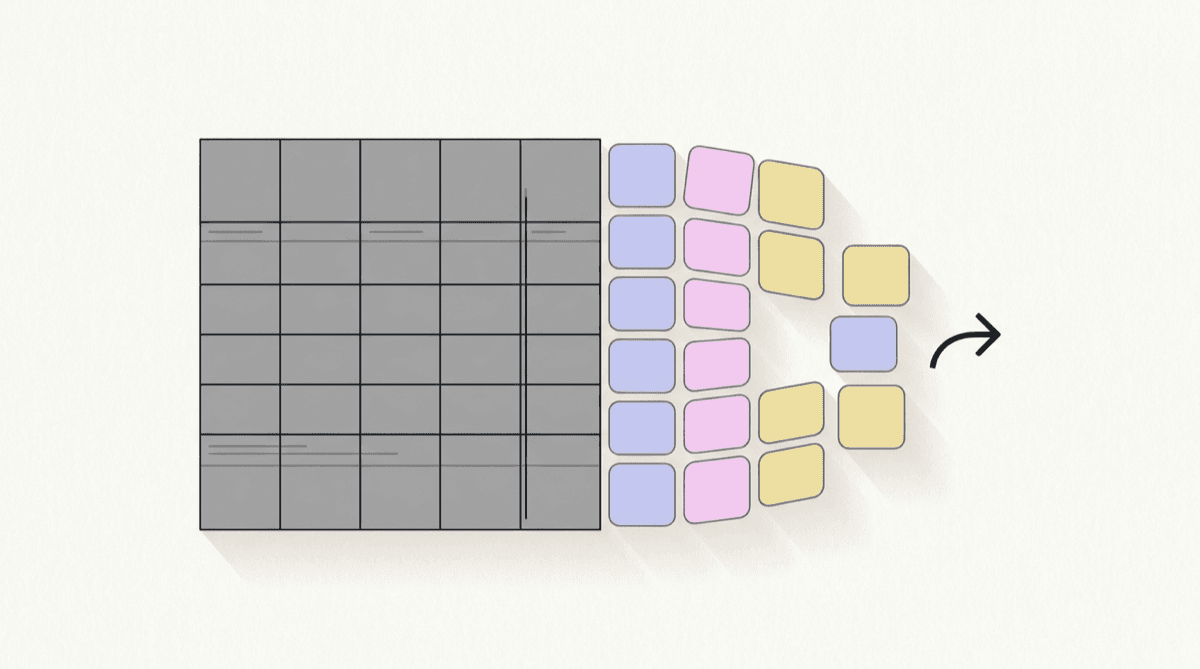
The biggest reason operators stay on spreadsheets isn't preference. It's the dread of switching. So we made the switch fit in an afternoon.
The dread is reasonable, incidentally. Most scheduling migrations are sold as a project: export everything, clean it, import it, train everyone, then run both systems in parallel for a month. That's a sensible plan for a payroll system. It's a wildly disproportionate one for next week's rota.
What you actually need to bring
Far less than you'd think. A schedule is forward-looking, so you don't need to migrate history to start. You need your locations, your positions, and your people. Past weeks can stay in the spreadsheet, where they're perfectly readable if anybody ever asks.
- Locations, with their opening hours and time zone
- The positions each location actually staffs
- People, their roles, and who is allowed to do what
- Whatever you already know about availability
The last one is the only part worth doing carefully, and even then it improves on its own as people fill in their own availability rather than you transcribing it from memory.
Set up (minutes)
Answer a few questions about your locations, positions and rules, and your workspace seeds itself. Your industry provides starter positions so you're not staring at a blank grid.
The questions that take longest are the ones about rules, and they're worth the time. Your break policy, your overtime threshold and how much authority the coverage agent has are the three that shape everything downstream. All of them can be changed later, but starting with a considered answer saves you re-reading a fortnight of schedules to work out why they came out the way they did.
Build & auto-fill (an hour)
Draft your first week, then let the agent rank and place people against coverage and fairness. Adjust what you want; it explains every pick.
Expect to override things on that first pass, and treat it as the point of the exercise rather than a failure. Each correction tells the system something it didn't know, and the second week is noticeably closer as a result. What's not worth doing is trying to reproduce last week's spreadsheet exactly. Some of what's in there is a real requirement and some of it is habit, and the first draft is the cheapest opportunity you'll ever get to find out which is which.
Publish & track (ongoing)
Staff clock in on the kiosk, timesheets assemble themselves, and the coverage agent handles the gaps. The schedule starts running itself.
Two things are worth doing deliberately in that first week. Tell people how to see their own schedule, and how to request a change, because a schedule nobody can read is a schedule you'll still be explaining by phone.
The change you actually notice isn't on the afternoon you build it. It's a fortnight later, at period close, when the timesheets are already assembled because they'd been assembling all along.
Keep the spreadsheet for a fortnight
Not as a parallel system, which is the thing that makes migrations miserable. Just leave it where it is, unopened. It costs nothing to keep and it removes the last real reason to hesitate, which is the quiet worry about what happens if something turns out to be missing. After two weeks of the schedule running, nobody opens it again, and that's the moment you've actually switched.
“No migration project. Just a workspace that's live before you go home.”